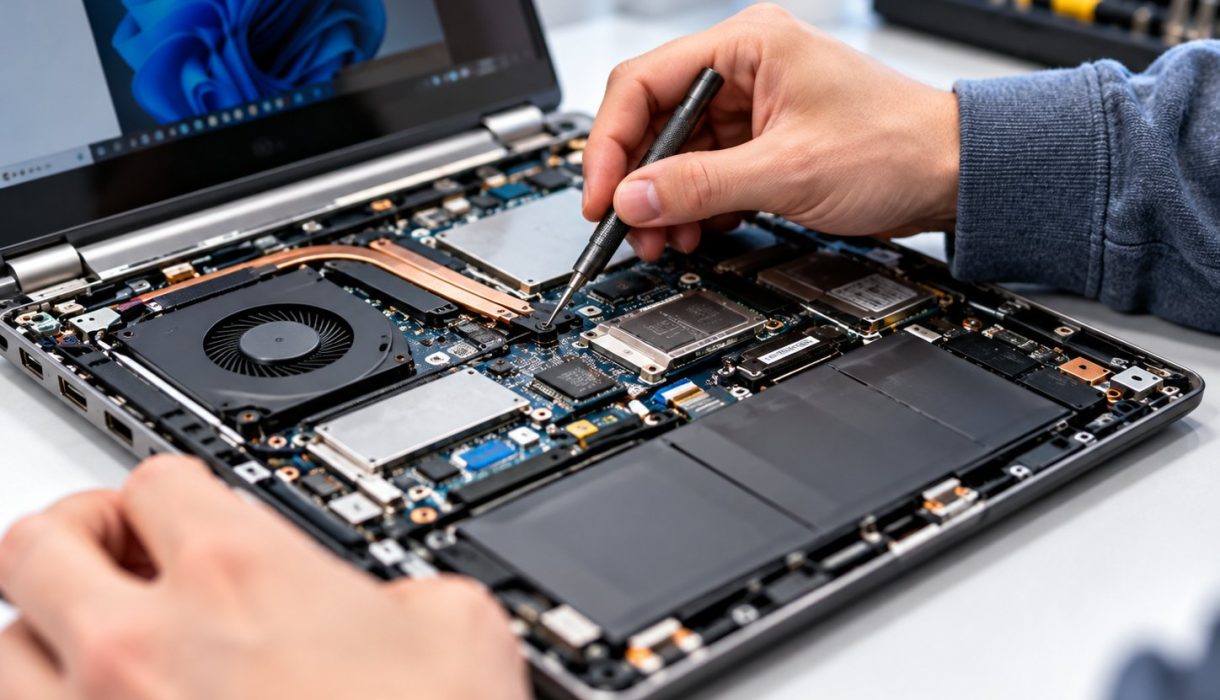

Laptops rarely fail without warning. Most give you a few clues first, and spotting them early can be the difference between a quick fix and losing your files. Here are five signs it’s time to get your laptop looked at.
1. It runs hot and the fan is always loud
A laptop that gets uncomfortably hot, or whose fan roars even when you’re just browsing, is usually struggling to cool itself. Dust builds up inside over time and blocks the airflow. Heat slows the computer down and, over months, can damage components.
What you can check: use the laptop on a hard, flat surface rather than a bed or sofa, and make sure the air vents aren’t blocked.
2. The battery drains fast or the laptop only works when plugged in
Batteries wear out with age. If yours now lasts a fraction of the time it used to, or the laptop shuts off the moment you unplug it, the battery probably needs replacing.
Important: if the case is bulging, the trackpad is lifting or the keyboard looks raised, the battery may be swelling. Stop using the laptop, unplug it and get it checked. Swollen batteries can be a safety risk.
3. Random shutdowns, freezes or blue screens
Occasional crashes happen to everyone, but regular freezes, sudden restarts or blue error screens point to a deeper problem. The cause could be software, overheating, failing memory or a failing drive, and it’s worth finding out which before it gets worse.
4. Clicking noises or very slow start-up
Older laptops often use a mechanical hard drive. If you hear clicking or grinding, or the laptop takes many minutes to start, the drive may be on its way out. Back up your important files straight away, then get it checked. Replacing an old hard drive with a solid-state drive (SSD) can also make an older laptop feel much faster.
5. Screen flicker, lines or a loose charging port
Flickering, coloured lines or a screen that only works at certain angles usually means a damaged screen or a loose display cable. Likewise, if you have to wiggle the charger to get it to charge, the charging port or cable may be damaged. Both are common repairs and are best fixed before they fail completely.
Before any repair: back up
Whatever the problem, copy your important documents and photos to an external drive or cloud storage as soon as you can. It’s the single best way to protect yourself if a fault gets worse.
Need a hand?
If you’d rather leave it to us, Knight Computer Services can help with laptop and PC repair at your home or business across Norwich and the surrounding areas. Call or text 07708 543665, email info@knightcomputers.co.uk or send us a message.